
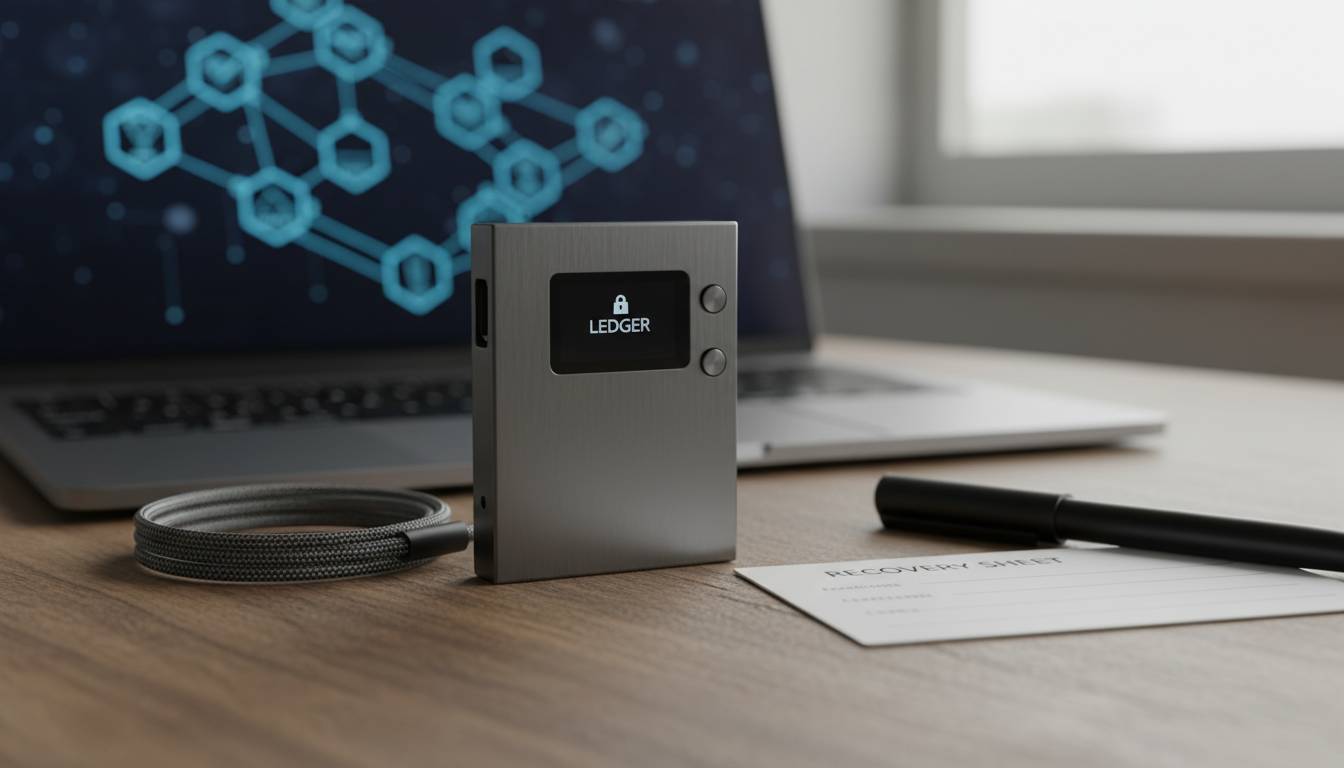
The cryptocurrency landscape keeps changing, and more Americans are diving into digital assets for the first time. Choosing the right crypto wallet matters—a lot. It keeps your holdings secure and determines how easily you can actually use your crypto. With so many options out there, beginners often feel overwhelmed, and that confusion can lead to expensive mistakes.
This guide breaks down the top crypto wallets for beginners in the US. I looked at security, fees, and how easy each one is to use—so you can pick something and actually get started without second-guessing yourself.
Our Top 5 Crypto Wallets for Beginners
After testing these wallets myself and digging through user feedback, security audits, and real-world usage, here are the five that actually work well for people just starting out.
| Wallet | Best For | Security Rating | Platform Support | Fees |
|---|---|---|---|---|
| Coinbase Wallet | Overall beginners | Excellent | iOS, Android, Web | Network fees only |
| Exodus | Desktop users | Very Good | iOS, Android, Desktop | Network + optional fees |
| Trust Wallet | Mobile-first users | Very Good | iOS, Android | Network fees only |
| MetaMask | DeFi enthusiasts | Very Good | iOS, Android, Browser | Network fees only |
| Atomic Wallet | Multi-chain users | Good | iOS, Android, Desktop | Network fees only |
Coinbase Wallet – Best Overall
Coinbase Wallet is my top pick for beginners in 2024. It’s made by Coinbase, one of the biggest regulated crypto exchanges in the US, and it just works—without making you jump through hoops.
You can store over 100,000 cryptocurrencies and tokens here, which covers basically everything you’d ever want to buy. If you also use the Coinbase exchange for trading, moving money between your wallet and trading account is seamless. The interface is clean and simple, with straightforward menus that don’t confuse new users.
On the security side, you get biometric login, cloud backup, and encryption that meets industry standards. You also get a 12-word recovery phrase—which is the standard for wallet backup, so if you lose your phone, you can recover everything. Importantly, this is a non-custodial wallet, meaning Coinbase never holds your private keys. You do.
One thing beginners often appreciate: the built-in DApp browser. You can interact with decentralized apps, DeFi platforms, and NFT marketplaces directly—without needing to understand the technical side.
Fees are straightforward. You pay network fees when you send crypto on-chain, and that’s it. No extra wallet charges.
Exodus – Best for Desktop Experience
Exodus has been around since 2015, and it’s popular with beginners who prefer sitting down at a computer to manage their crypto. The design is genuinely nice—it’s one of the few crypto apps that doesn’t feel like it was built by engineers who forgot users exist.
The desktop version gives you more screen space for charts and your full transaction history, which helps you actually understand what’s happening with your holdings. Exodus supports over 350 cryptocurrencies, including plenty of altcoins if you want to branch out later.
The built-in exchange is handy. You can swap between cryptos right inside the app instead of moving money to an external exchange. The rates aren’t the absolute cheapest—you’ll pay a small markup—but the convenience is worth it for most people.
Security-wise, your private keys are encrypted and stored locally on your device. They never leave your computer unless you explicitly send them. The 12-word recovery phrase handles backups, and you can set up automatic cloud backup if you want extra peace of mind.
Exodus Advance costs $4.99/month and gives you lower exchange fees plus priority support. But the basic version is free—you just pay network fees.
One bonus: the mobile app syncs with desktop, so you can check on things from your phone when you’re not at your computer.
Trust Wallet – Best Mobile Experience
Trust Wallet is the go-to for people who do everything on their phone. Binance acquired it in 2019, and it now serves over 60 million users. It’s especially popular with younger users who don’t think twice about managing money through an app.
The mobile experience is smooth—sending, receiving, and even staking crypto is all touch-friendly and straightforward. Trust Wallet supports tons of blockchain networks, including all the major EVM-compatible ones, so you can access thousands of tokens and plenty of DeFi opportunities.
The integrated Web3 browser is the standout feature. You can connect to decentralized exchanges, yield farming platforms, and NFT marketplaces straight from your phone. That’s a big deal if you want to explore beyond just buying and holding.
Security includes biometric locks, PIN protection, and recovery phrase backup. Like the others, Trust Wallet is non-custodial—your keys, your crypto. There’s also a security checkup feature that walks you through verifying your backup is set up correctly.
Fees are clean: just network fees. No extra charges from Trust Wallet. That transparency matters when you’re trying to understand what you’re actually paying.
MetaMask – Best for DeFi Exploration
MetaMask is the wallet that most DeFi platforms expect you to use. Made by Consensys, it’s handled millions of transactions across yield farms, staking protocols, NFT markets, and blockchain apps. If you want to actually do something with your crypto beyond hold it, this is probably where you’ll end up.
The browser extension integrates with web apps nicely—you connect to a DeFi platform with one click instead of copying and pasting addresses. That’s simplified decentralized finance enough that regular people can actually use it.
Security features include encrypted key storage, biometric login on mobile, and support for hardware wallets if you want to go serious. MetaMask also warns you about phishing sites and suspicious contracts, which matters because DeFi has scams.
It works with any EVM-compatible network—Ethereum, Polygon, Avalanche, Binance Smart Chain, and more. One wallet, lots of chains.
Network fees vary depending on how busy the blockchain is. MetaMask shows you the fee estimate before you confirm, and the wallet itself doesn’t charge anything extra.
Fair warning: MetaMask asks you to understand a few blockchain concepts. The learning curve is slightly steeper than the other wallets here. But there’s good documentation and a huge community, so help is easy to find.
Atomic Wallet – Best All-in-One Solution
Atomic Wallet tries to be the one place for all your crypto. It runs on desktop and mobile and supports over 1,000 cryptocurrencies across multiple blockchains—that’s a huge range.
The name comes from atomic swap technology, which lets you exchange crypto directly between different blockchains without going through a centralized exchange. Most beginners won’t use this right away, but it’s there if you get more advanced.
You can stake several proof-of-stake cryptocurrencies right in the wallet and earn passive income on your holdings. Normally staking requires some technical setup, but Atomic makes it pretty accessible.
Security includes local key storage, 12-word recovery phrases, and optional two-factor authentication. Everything sensitive stays encrypted on your device.
The interface is comprehensive but can feel cluttered at first—there are a lot of options. Tooltips and guides help, and you can always just ignore the advanced features until you’re ready.
How to Choose the Right Crypto Wallet
Picking a wallet comes down to a few key questions. Answer these honestly, and you’ll land in the right place.
Security should be first on your list. Make sure any wallet you consider is non-custodial—you hold your keys, not some company. Recovery phrase backup is non-negotiable. Hardware wallet support matters if you’re planning to hold significant amounts.
Ease of use affects whether you’ll actually use the wallet or get frustrated and abandon it. Try the free versions and see which interface clicks for you. Some are more guided; others let you explore more freely.
Supported cryptocurrencies matter more than beginners expect. You might start with Bitcoin and Ethereum, but once you learn more, you’ll probably want to explore other coins and tokens. Pick a wallet that won’t box you in later.
Fees vary. Some wallets add nothing beyond network costs; others charge for convenience features. Know what you’re signing up for before you commit.
Mobile vs. desktop is about where you’ll actually use it. Many people like mobile for its convenience. Desktop apps often have more features visible at once. Some wallets sync between both, giving you flexibility.
Conclusion
The wallet you choose shapes your whole crypto experience. Coinbase Wallet is my general recommendation—it balances security, simplicity, and features better than anything else for most people. The Coinbase integration makes buying crypto easy if that’s part of your plan.
That said, your mileage may vary. Exodus is great if you want desktop elegance. Trust Wallet wins on mobile. MetaMask is essential if you’re curious about DeFi. Atomic Wallet covers the most chains in one place.
Whatever you pick, the security basics are on you. Write down your recovery phrase and store it somewhere safe—offline, ideally. Turn on every security feature the wallet offers. Never share your private keys with anyone, no matter who asks.
Get those right, and you can explore crypto with confidence.
Frequently Asked Questions
Which crypto wallet is best for beginners in 2024?
Coinbase Wallet is the easiest all-around choice—simple interface, strong security, and it plays nice with the Coinbase exchange if you want to buy crypto there. Trust Wallet and Exodus are also solid, depending on whether you prefer mobile or desktop.
Are crypto wallets safe for beginners?
Reputable wallets are safe. They use encryption, biometric logins, and recovery phrases. But “safe” also depends on you—store your recovery phrase offline, don’t click suspicious links, and never share your keys.
Should I use Coinbase or Trust Wallet as a beginner?
Both are good. Go with Coinbase Wallet if you plan to use the Coinbase exchange to buy crypto. Go with Trust Wallet if mobile is your thing and you want to explore DeFi from your phone.
Do I need a crypto wallet to buy cryptocurrency?
You can buy through a centralized exchange like Coinbase without a separate wallet. But for anything beyond small amounts, moving crypto to your own wallet is safer—you control it, not the exchange.
What fees should beginners expect when using crypto wallets?
Most beginner wallets charge just network fees, which change based on blockchain traffic. Exodus has an optional $4.99/month tier for lower exchange fees. Read the fee info before you commit.
Can I use one wallet for multiple cryptocurrencies?
Yes. Coinbase Wallet, Trust Wallet, MetaMask, and Atomic Wallet all handle hundreds or thousands of different coins and tokens. You won’t need separate wallets for each.